
Pharmacy ERP for connected business workflows
Review how pharmacy sales, purchasing, stock and reporting can work together, and confirm which ERP capabilities are included in the current product.
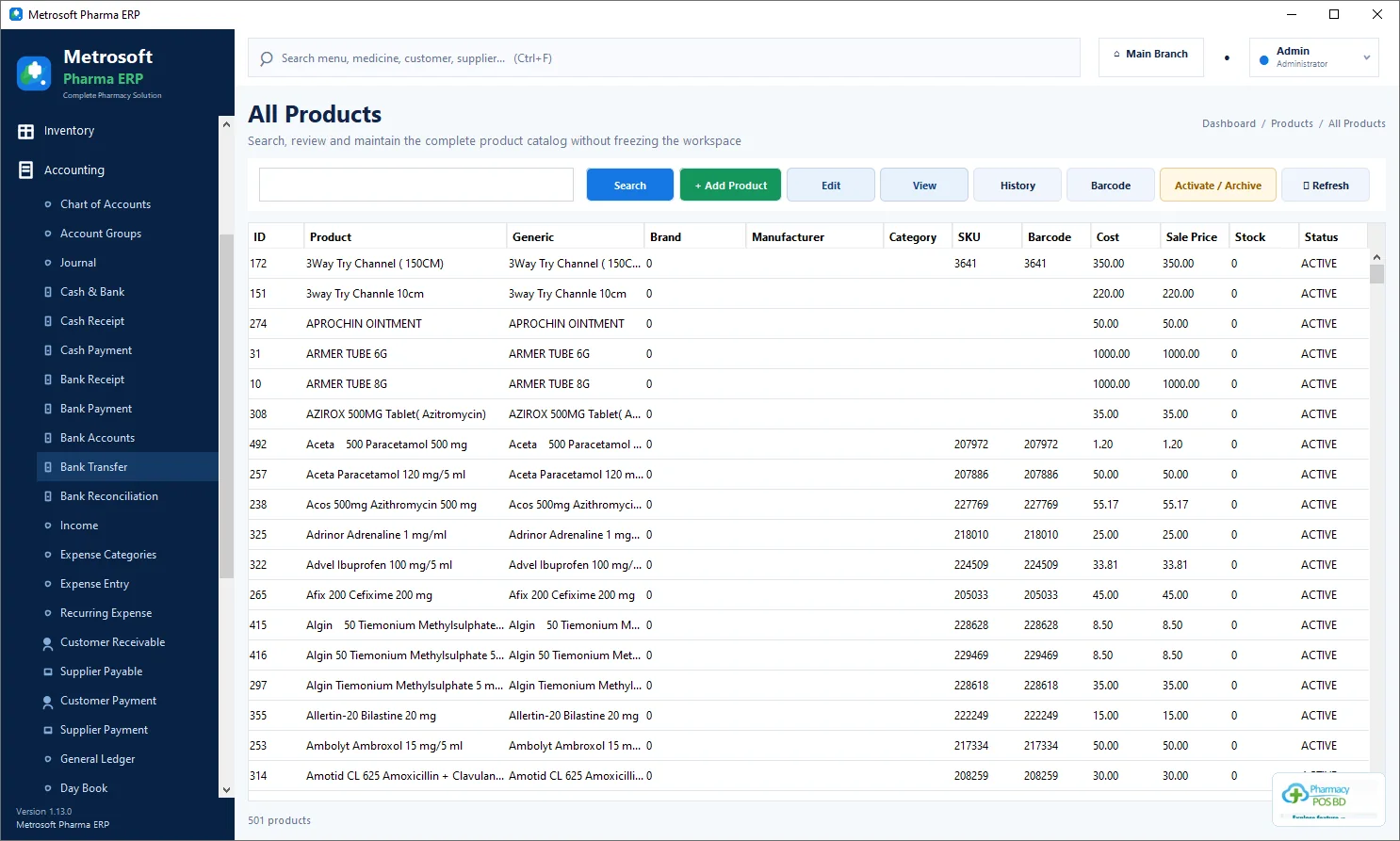
Pharmacy ERP back-office workspace
This optimized interface image helps explain the related pharmacy workflow. Confirm the functions included in the current edition before making operational decisions.
- Review the workflow and required product information
- Check availability in the free, trial or Pro edition
- Explore pharmacy software features or ask our team
From counter to back office
A pharmacy ERP should connect day-to-day sales with stock, purchasing, supplier balances and management reporting. This page describes the intended workflow; confirm each module in the current release.
For growing operations
Before choosing a plan, map the number of users, locations, required reports, data migration and support expectations.
Talk through your requirements
Contact the team to validate whether the available edition fits a retail pharmacy, chain or wholesale workflow.
Need help choosing?
Request the current release and confirm the features available for your setup.