
Choosing the best medical shop software in Bangladesh is not only about finding a billing screen. A pharmacy needs a dependable way to record medicine sales, manage stock, review expiry dates, record purchases and understand daily business performance. The right system should fit the shop’s size, staff workflow, available hardware and support needs.
This guide explains what to compare before selecting medical shop software or a pharmacy POS system. Ask the vendor to demonstrate each important feature using realistic examples from your shop.
What is medical shop software?
Medical shop software, also called pharmacy management software or pharmacy POS software, helps a pharmacy record sales and manage operational information in one system. Depending on the product, it may include medicine billing, inventory, purchase entry, supplier records, customer information, reports and expiry monitoring.
Essential features to compare
1. Fast medicine billing and POS
Staff should be able to find a medicine, enter quantities, apply authorised discounts and complete a bill efficiently. Check barcode support, invoice printing, keyboard navigation and how the system handles corrected or returned sales.
2. Medicine inventory and unit conversion
Confirm how the system handles the units your pharmacy buys and sells, such as pieces, strips, boxes or packs. Conversion rules should be clear and stock quantities should update consistently after sales, purchases and returns.
3. Batch, expiry and near-expiry tracking
Ask whether batches and expiry dates can be recorded when stock is received and reviewed later in reports. Confirm the workflow for expired, damaged or returned products; do not assume these features are included until demonstrated.
4. Purchase and supplier records
Review purchase entry, supplier details, purchase returns and supplier balances if these are part of your workflow. Verify that purchases update stock and reports correctly.
5. Sales reports and accounts
Useful reports may include daily sales, item-wise sales, purchase history, current stock, low stock, expiry status, discounts and customer dues. Check printing, export and user-permission options.
6. Backup, access and support
Ask how data is backed up and restored, who can access sensitive records, how updates are delivered and what happens if a computer fails. Confirm training, support channels, data ownership and internet requirements.
How to choose software for a pharmacy in Bangladesh
- Map your workflow: list billing, purchase, stock, returns, expiry and reporting tasks.
- Test local requirements: check Bangla/English display if needed, invoice practices, printers and barcode scanners.
- Check data migration: ask whether existing medicine and stock data can be imported.
- Understand total cost: compare setup, licence, renewal, training, support and updates.
- Request a demo: test realistic medicine, purchase and return examples.
- Verify support: confirm support channels and response arrangements before relying on the system.
Software interface images
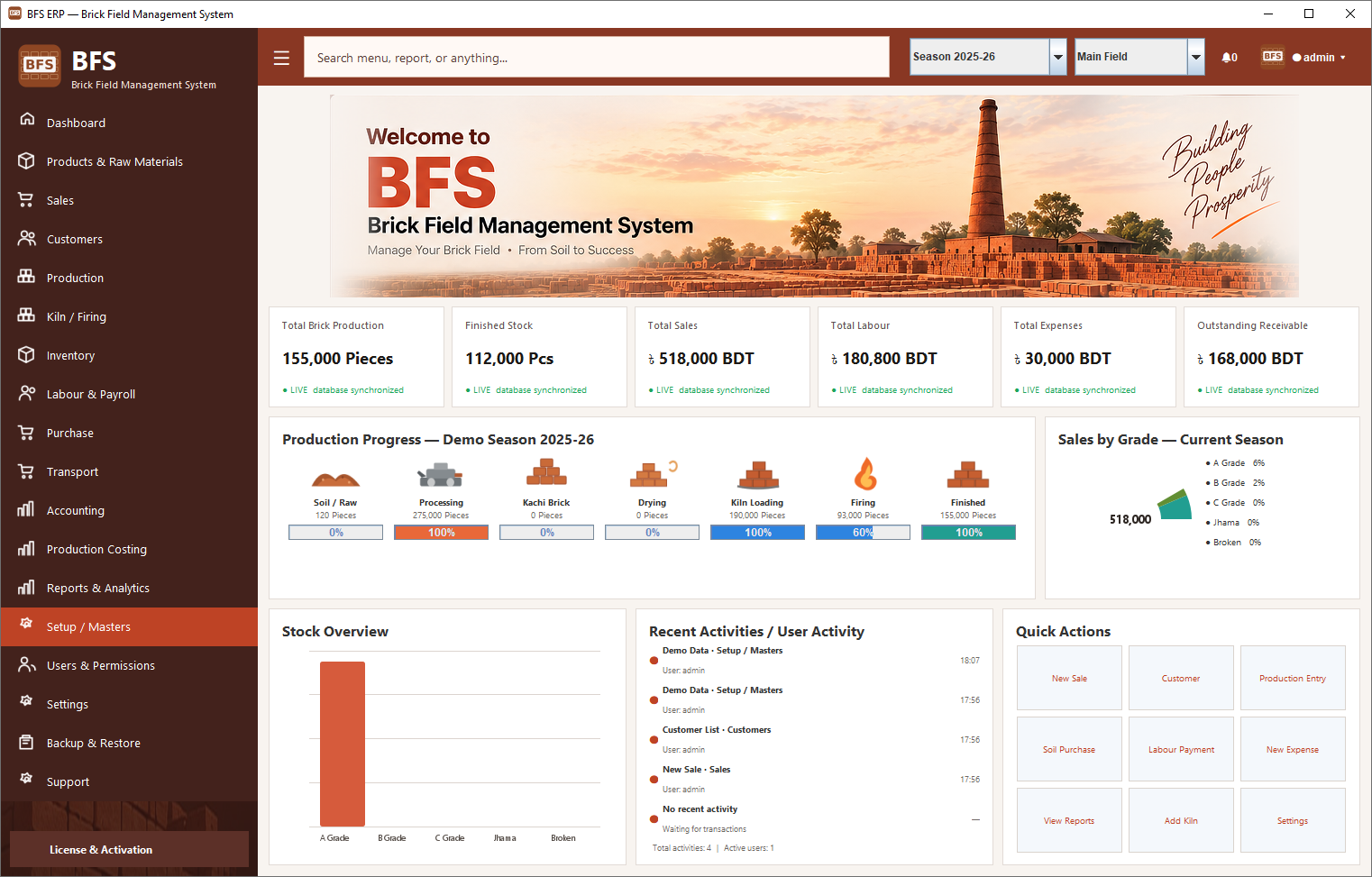
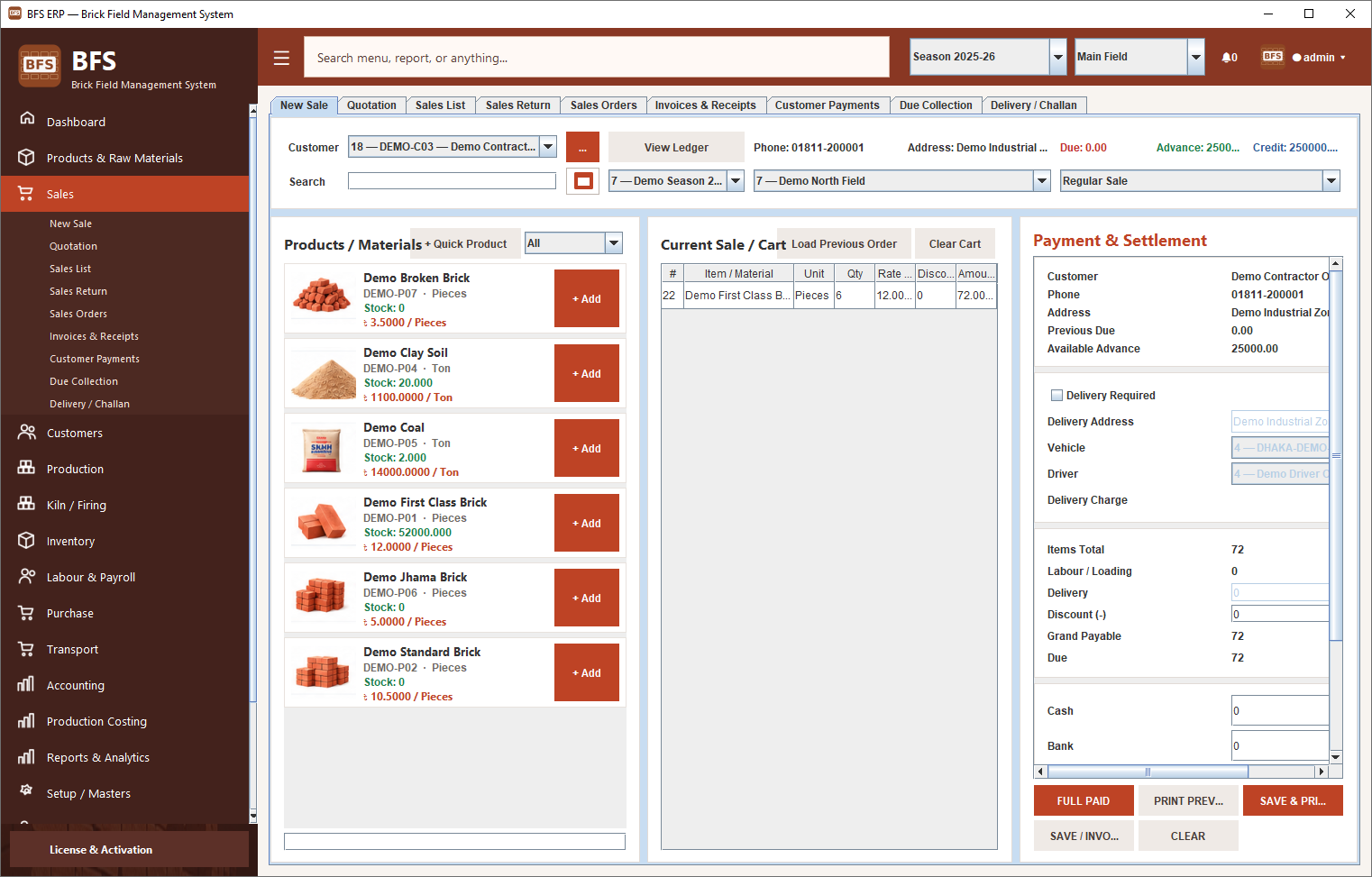
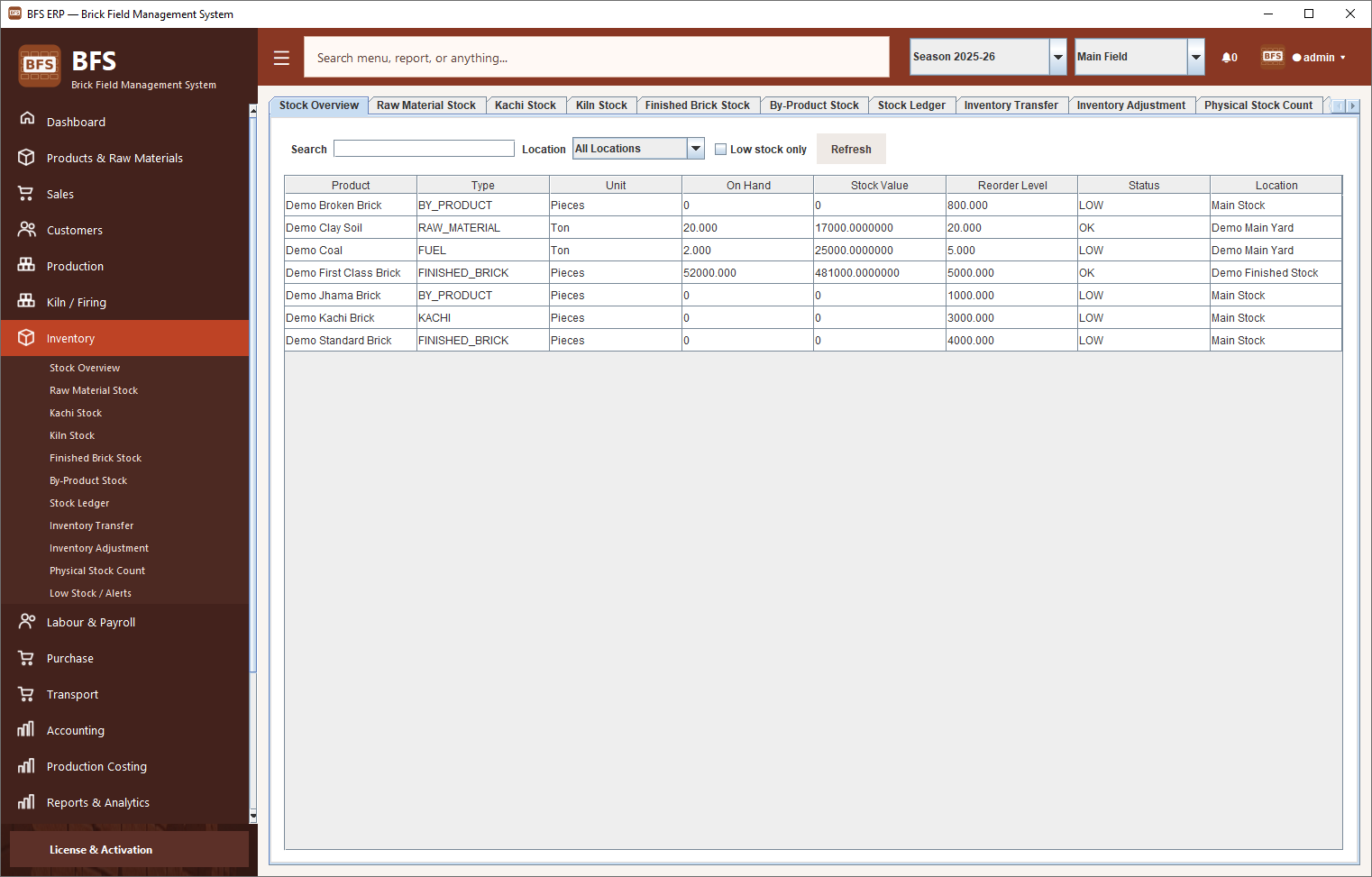
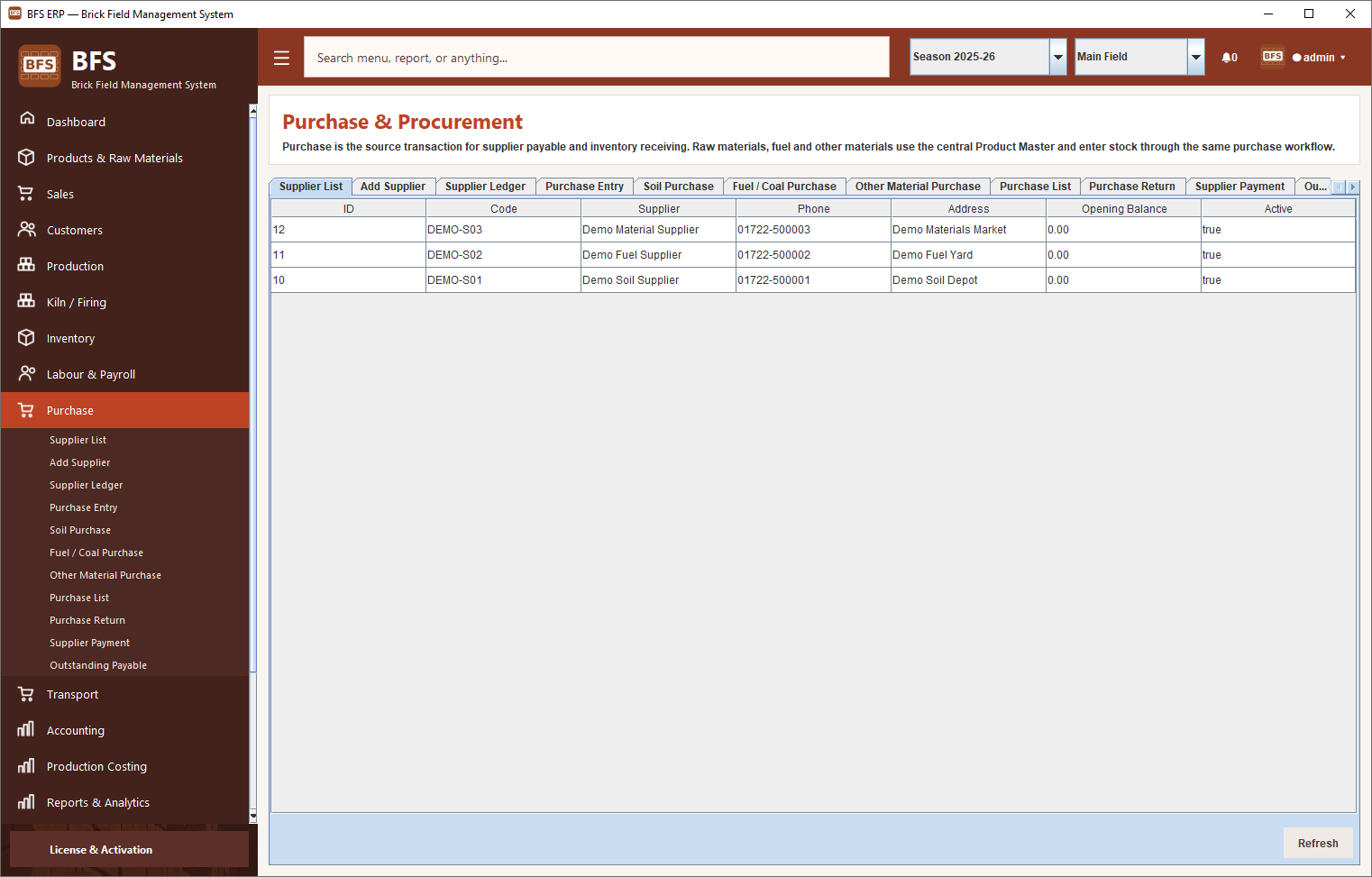
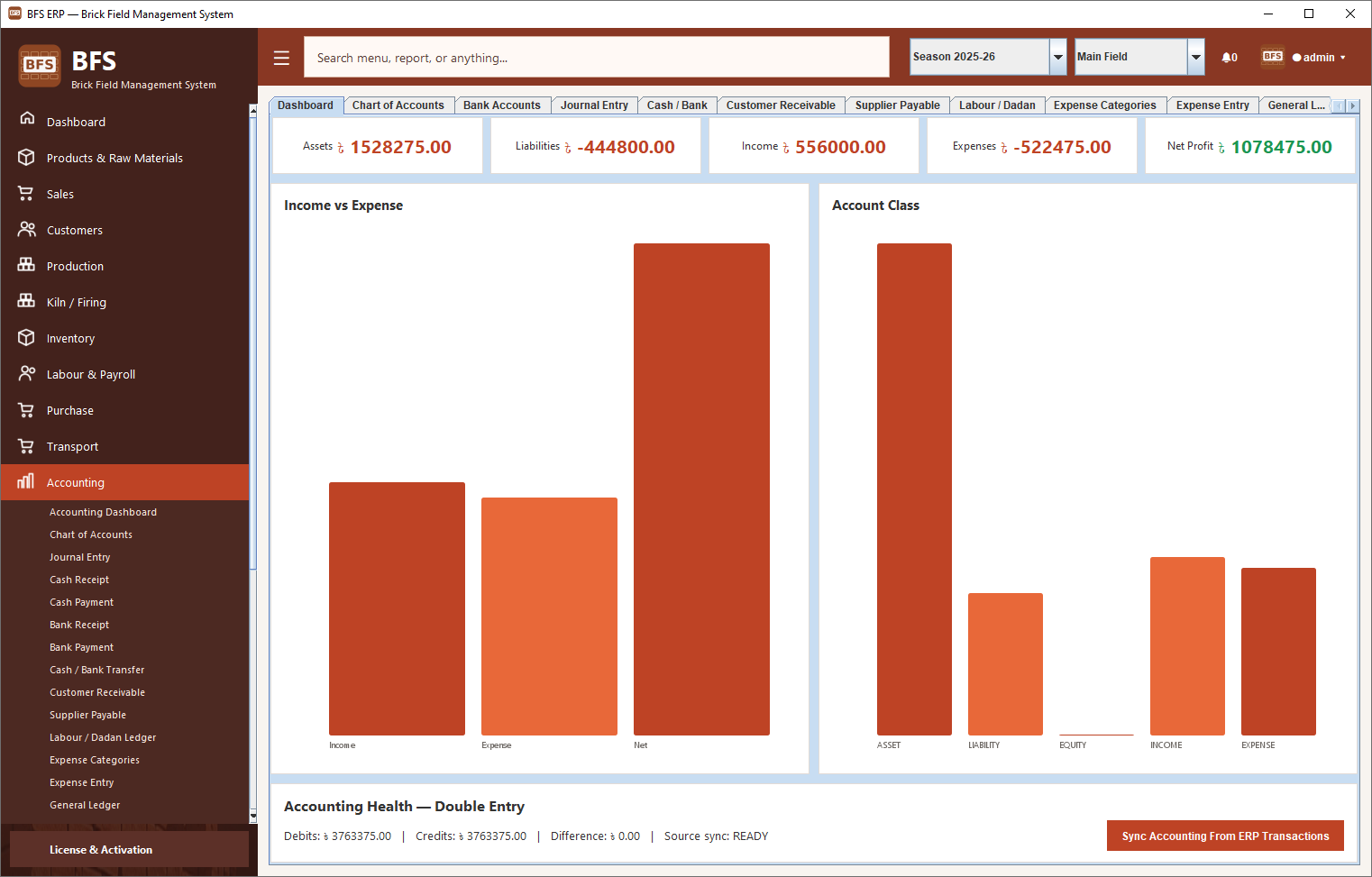
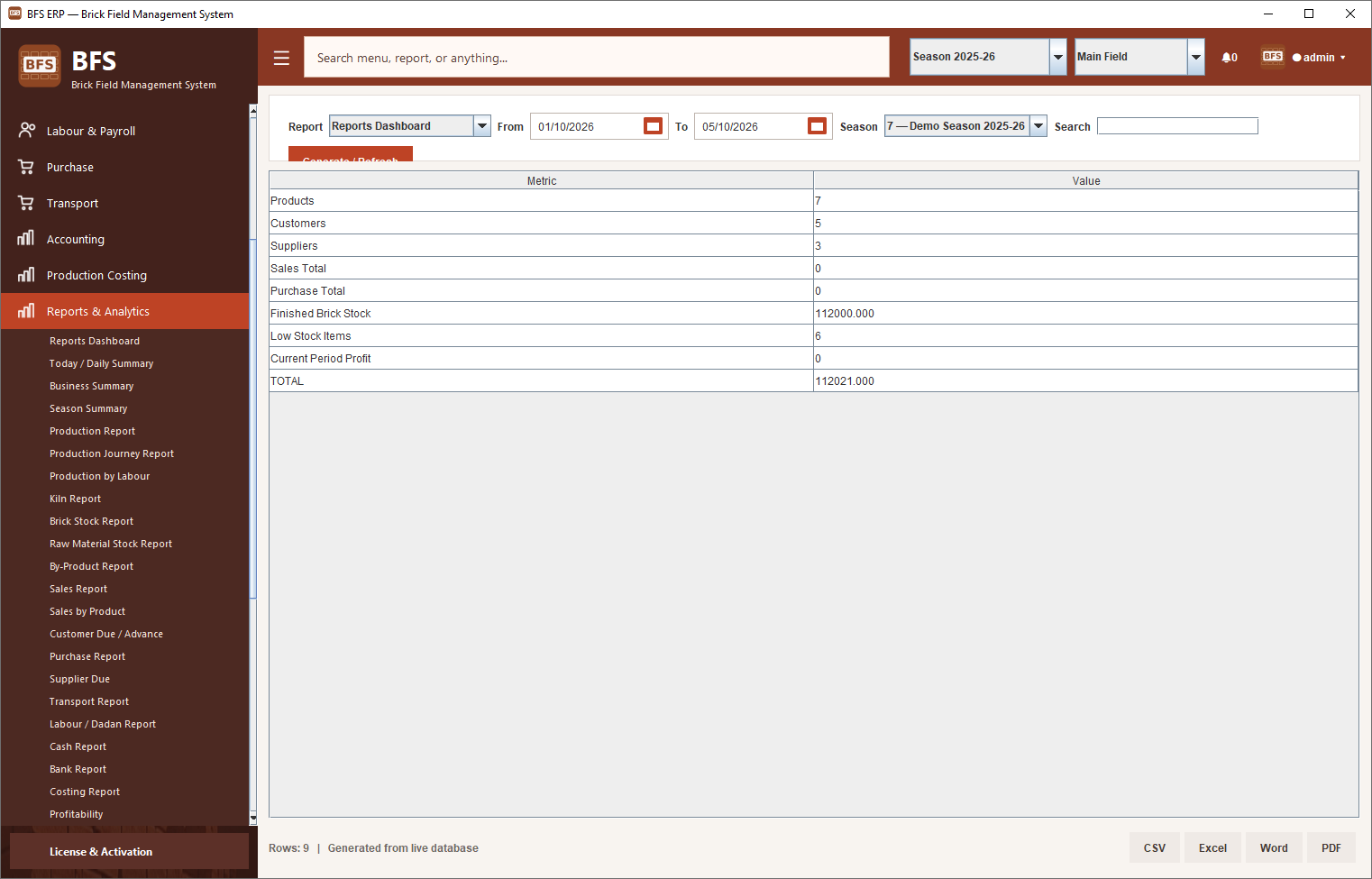
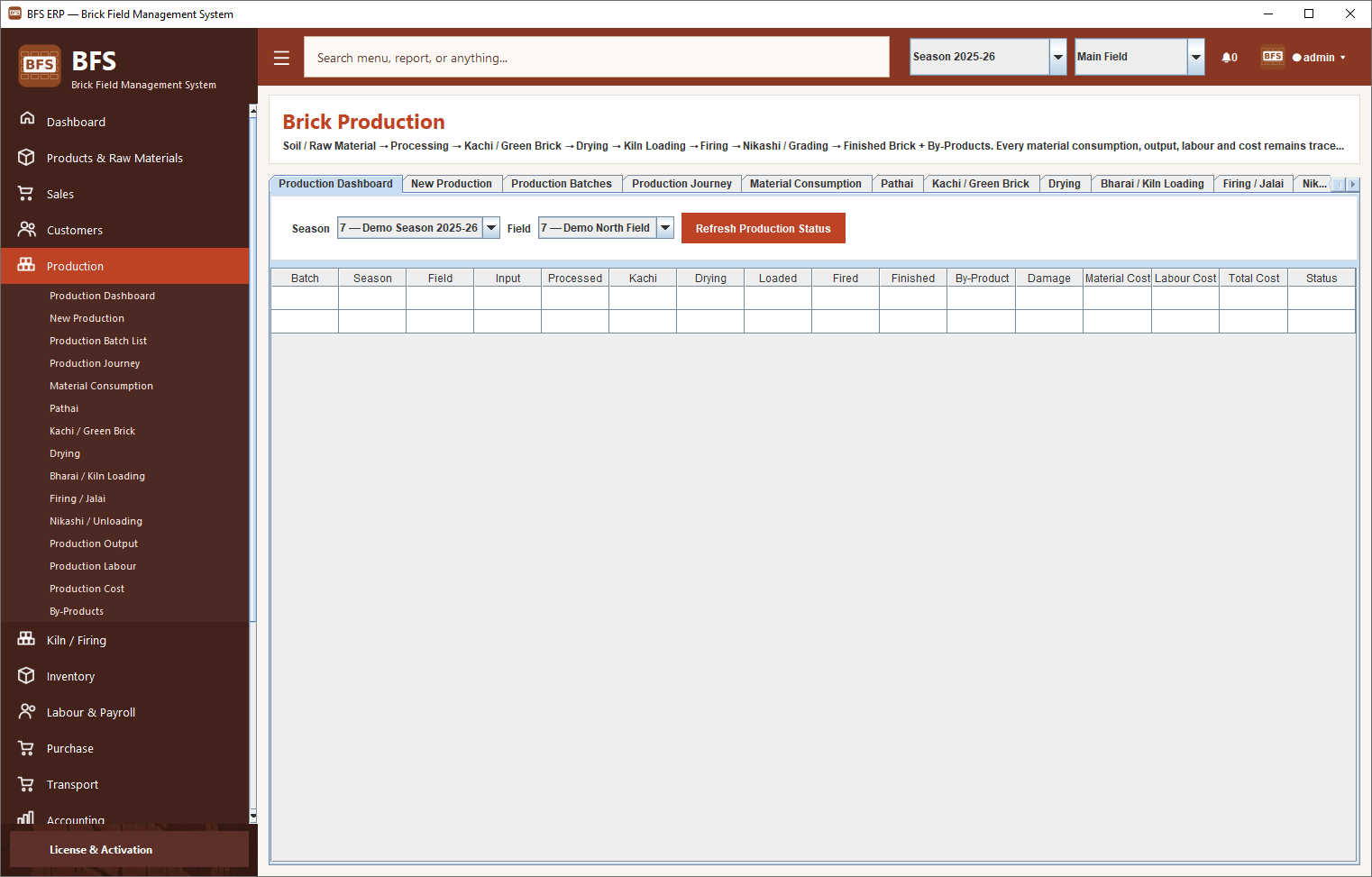
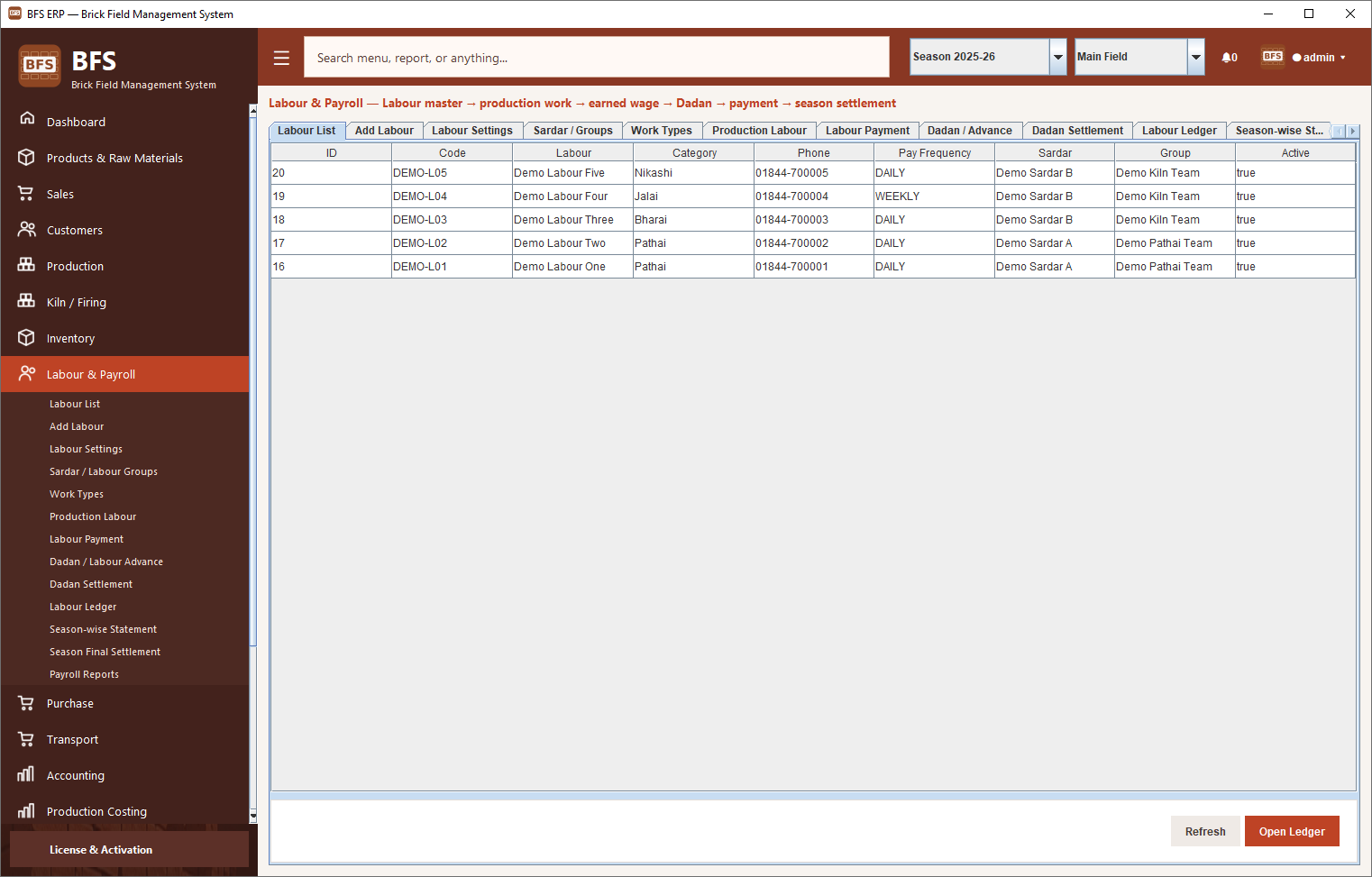
The image files supplied with the source folder are included locally below. They are shown as interface examples from the supplied assets; confirm that each screenshot is appropriate for this pharmacy article before publishing it as evidence of pharmacy-specific functionality.
Cloud, offline or hybrid pharmacy software?
A cloud-based system can make access from multiple locations easier, but depends on connectivity and the vendor’s service availability. Offline software may continue working during internet interruptions, while backup and multi-device access need planning. A hybrid design can combine local operations with cloud synchronisation, but conflict handling and recovery should be tested.
Questions to ask before buying
- Can you demonstrate a complete sale, purchase, sale return and stock adjustment?
- Does the product support the medicine units and barcode workflow we use?
- Can we review batch and expiry information in reports?
- What backup and restore process is included?
- What is included in the quoted price, and are there recurring charges?
- Can staff receive onboarding and ongoing technical support?
Explore Metrosoft Pharmacy POS
Compare the solution’s demonstrated capabilities with your requirements before deciding. Review the Pharmacy POS Software page and contact Metrosoft IT to confirm current features, deployment options, pricing and support availability.
Want to evaluate pharmacy POS software?
Share your shop’s billing, inventory and reporting requirements and request a demonstration of the relevant workflows.
Frequently asked questions
What is the difference between medical shop software and pharmacy POS software?
The terms often describe overlapping solutions. Pharmacy POS usually emphasises sales and billing, while pharmacy management software may also cover inventory, purchases, expiry tracking and reports. Confirm the included modules with the provider.
What is the most important feature in pharmacy software?
Accurate billing and stock control are core requirements. Batch and expiry tracking, purchase records, backups and usable reports are also important for many pharmacies.
Can pharmacy software work without the internet?
Some products support offline operation and others require internet access. Ask the provider to demonstrate what happens during an outage, including saving sales and printing invoices.
How much does medical shop software cost in Bangladesh?
Prices vary by licence, users/devices, modules, setup, training and support. Request a current written quotation listing included features and recurring charges.
Can I import my existing medicine list?
Some systems support spreadsheet imports, but formats and limitations differ. Ask for a sample template and test a small data set before migrating all records.
Note: This guide is for software evaluation. Product features, prices and service terms should be confirmed directly with the provider before purchase.