I Run a Small Pharmacy, What Software Should I Use?

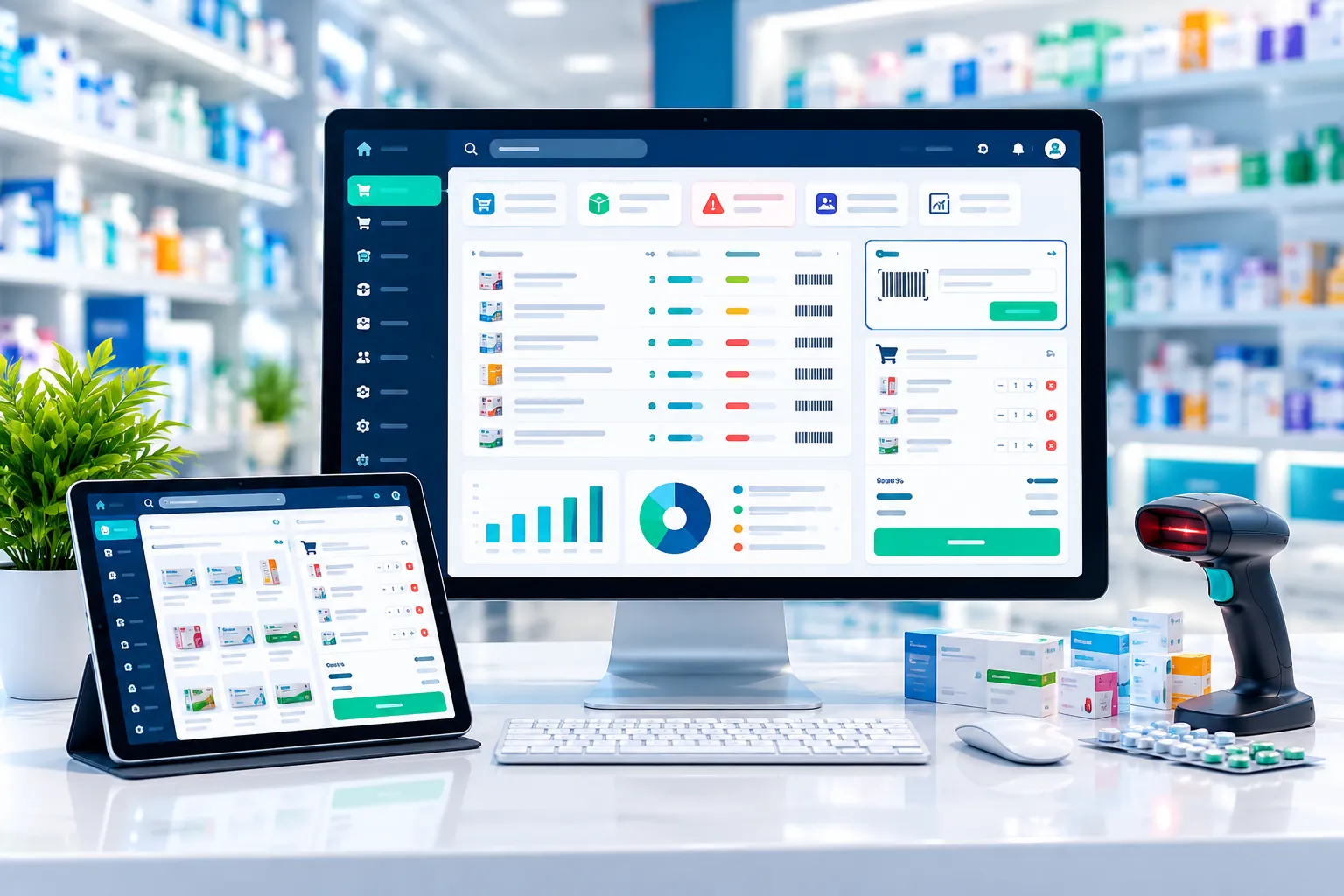
I Run a Small Pharmacy, What Software Should I Use? image

Running a small pharmacy may seem simple at first. You sell medicines, purchase stock from suppliers, maintain inventory, and keep track of daily sales. But as your pharmacy grows, managing everything manually can become difficult.

You may find yourself asking:

“I run a small pharmacy, what software should I use?”

The answer depends on your pharmacy’s size, daily sales, number of products, employees, and the features you need.

For most small pharmacies, a pharmacy POS and management software can be a practical solution because it can bring billing, inventory, purchases, medicine expiry tracking, customer management, and business reports into one system.

In this guide, we’ll explain what a small pharmacy should look for when choosing software and how the right system can make everyday pharmacy management easier.

Why Does a Small Pharmacy Need Software?

Many small pharmacy owners start by using notebooks, calculators, or Excel spreadsheets.

That may work when there are only a few products and a small number of daily transactions. But as the business grows, manual management can lead to problems.

For example, you may have difficulty answering questions such as:

  • How much stock do I currently have?
  • Which medicines are running low?
  • Which medicines are close to expiry?
  • How much did I sell today?
  • How much profit did I make this month?
  • How much money do customers owe me?
  • How much do I owe my suppliers?
  • Which medicines are selling the most?

A good pharmacy management software can help organize these activities in one place.

What Software Is Best for a Small Pharmacy?

For a small pharmacy, you generally don’t need an overly complicated enterprise system.

Instead, look for a simple pharmacy POS software that provides the essential features you actually use every day.

A good system should help you manage:

  • Sales and billing
  • Medicine inventory
  • Barcode scanning
  • Purchase management
  • Medicine batches
  • Expiry dates
  • Customers
  • Suppliers
  • Customer dues
  • Supplier payments
  • Expenses
  • Sales and profit reports
  • Data backup

The most important thing is ease of use.

If you and your employees cannot learn the system quickly, even a software with hundreds of features may not be useful.

Pharmacy Inventory Management

Inventory management is one of the most important features for any pharmacy.

A pharmacy can have hundreds or thousands of different medicines and healthcare products. Managing all of them manually can take a lot of time.

With pharmacy inventory management software, you can keep track of:

  • Medicine names
  • Available quantities
  • Purchase prices
  • Selling prices
  • Batches
  • Expiry dates
  • Stock movements
  • Low-stock items

When a product is sold, the inventory should be updated automatically.

This helps you maintain more accurate stock records and reduces unnecessary manual work.

Medicine Expiry Date Tracking

Medicine expiry management is particularly important for pharmacies.

If expiry dates are recorded manually, it can be difficult to monitor a large number of products.

A pharmacy software system can store expiry information and help you identify medicines that are approaching their expiry dates.

This can help you:

  • Monitor expiry dates
  • Reduce stock wastage
  • Identify products that need attention
  • Manage batches more efficiently

For a pharmacy owner, this can save both time and money.

Fast Pharmacy Billing

A pharmacy POS system should make the checkout process quick and simple.

Instead of manually writing every invoice, you can search for a medicine or scan its barcode, add the required quantity, and generate the bill.

A good pharmacy billing system can also automatically update stock after completing a sale.

This creates a simple workflow:

Select Medicine → Add Quantity → Generate Invoice → Update Stock

For a busy pharmacy, faster billing can also help reduce customer waiting time.

Barcode Scanning

Barcode support can make pharmacy billing much faster.

Instead of searching for every medicine manually, your staff can scan the product barcode and add it to the invoice.

This can help reduce:

  • Manual data entry
  • Billing mistakes
  • Customer waiting time

If your pharmacy handles a large number of daily transactions, barcode support is definitely a feature worth considering.

Purchase Management

Selling medicines is only one part of running a pharmacy.

You also need to manage purchases from different suppliers.

Pharmacy software should allow you to record:

  • Supplier name
  • Medicine name
  • Quantity purchased
  • Purchase price
  • Batch number
  • Expiry date
  • Purchase date
  • Payment information

This makes it easier to understand where your stock came from and how much you paid for it.

Supplier Management

If you purchase products from multiple suppliers, keeping supplier records organized can be very useful.

A pharmacy management system can help you maintain supplier information and transaction history.

You can also track supplier payments and outstanding balances depending on the software features you choose.

Customer Management and Due Tracking

Some pharmacies provide credit facilities to regular customers.

If you manage customer dues in a notebook, it can become difficult to maintain accurate records.

Pharmacy software can help you maintain:

  • Customer information
  • Purchase history
  • Credit sales
  • Payments
  • Outstanding balance

This makes it easier to understand your customer accounts without checking multiple notebooks or spreadsheets.

Sales and Profit Reports

One of the biggest advantages of using pharmacy software is having access to business reports.

Instead of manually calculating your sales at the end of the day, you can use the software to generate reports.

Depending on the system, you may be able to see:

  • Daily sales
  • Monthly sales
  • Purchase reports
  • Sales reports
  • Stock reports
  • Profit reports
  • Expense reports
  • Customer reports
  • Supplier reports

These reports can help you make better business decisions.

For example, if you notice that certain medicines sell much faster than others, you can plan your purchasing accordingly.

Accounting and Expense Management

If you want to understand the actual financial condition of your pharmacy, accounting features can be useful.

A pharmacy management system with accounting functionality can help you track:

  • Income
  • Expenses
  • Sales
  • Purchases
  • Customer dues
  • Supplier payments
  • Profit and loss

This can reduce the need to maintain separate records for your pharmacy’s daily financial activities.

Pharmacy Software vs. Excel: Which Is Better?

Excel can be useful for basic record keeping, especially when a business is very small.

However, Excel does not provide the same pharmacy-specific workflow as dedicated pharmacy software.

For example, with a pharmacy POS system, one sale can automatically connect with your inventory and sales records.

The workflow can look like this:

Purchase → Stock → Sale → Invoice → Stock Update → Sales Report

With Excel, many of these processes may need to be managed manually.

So, if your pharmacy is growing and you are spending more time maintaining spreadsheets, dedicated pharmacy software may be a better option.

What Should I Look for Before Buying Pharmacy Software?

Before choosing a pharmacy POS system, don’t look only at the price.

Consider these important questions:

Is the software easy to use?

Your employees should be able to learn the basic functions without extensive technical knowledge.

Does it manage medicine inventory?

Inventory management should be one of the core features.

Does it track expiry dates?

Expiry and batch management are particularly important for pharmacies.

Does it support barcode billing?

Barcode scanning can make daily billing faster.

Does it provide useful reports?

You should be able to understand your sales, stock and business performance.

Is customer support available?

Good support can be important when you experience technical problems or need help using a feature.

Can the software grow with my business?

If you later open another branch or increase your product range, the software should ideally support your future requirements.

Is PharmacyPOS BD Suitable for a Small Pharmacy?

If you’re looking for pharmacy software in Bangladesh, PharmacyPOS BD is designed specifically for pharmacy business management.

The platform brings important pharmacy operations together, including:

  • POS billing
  • Pharmacy inventory management
  • Medicine database
  • Barcode support
  • Batch management
  • Expiry tracking
  • Purchase management
  • Supplier management
  • Customer management
  • Accounting
  • Sales reports
  • Inventory reports
  • User management
  • Backup and restore

This means a small pharmacy can manage many of its daily operations from a single system instead of relying on separate notebooks, calculators, and spreadsheets.

Why Choose a Pharmacy-Specific POS System?

A general retail POS system may handle basic sales and billing, but pharmacies have additional requirements.

Medicines can have:

  • Different batches
  • Different expiry dates
  • Different purchase prices
  • Different suppliers
  • Specific stock requirements

That’s why choosing a pharmacy-specific POS software can be more practical than using a generic retail billing system.

How Can Pharmacy Software Save Time?

Consider a simple example.

Suppose a customer purchases five different medicines.

With manual billing, you may need to:

  1. Find each medicine price.
  2. Calculate the total.
  3. Write the invoice.
  4. Update your stock record.
  5. Record the sale.
  6. Calculate the day’s total later.

With a pharmacy POS system, much of this can be handled through the billing process.

You select or scan the medicines, enter the quantities, complete the sale, and the system can update the relevant records.

Now imagine doing this dozens or hundreds of times every day.

That’s where pharmacy software can provide significant value.

What Is the Best Pharmacy Software for a Small Pharmacy?

There is no single pharmacy software that is perfect for every business.

The right choice depends on your specific requirements.

However, if you run a small pharmacy, look for software that is:

  • Easy to use
  • Affordable
  • Fast
  • Reliable
  • Pharmacy-specific
  • Easy to learn
  • Supported by a responsive team

At minimum, your software should provide billing, inventory management, expiry tracking, purchase management and business reports.

As your pharmacy grows, you can consider more advanced features such as accounting, multi-user access and multi-branch management.

Frequently Asked Questions

What is the best software for a small pharmacy?

The best software depends on your pharmacy’s requirements. For most small pharmacies, a simple pharmacy POS system with billing, inventory, expiry tracking, purchase management and reporting is a good starting point.

Do I need pharmacy software if my pharmacy is small?

You may not need advanced software if your pharmacy is extremely small. However, dedicated software becomes increasingly useful as your number of products, customers and daily transactions grow.

Can pharmacy software track medicine expiry dates?

Yes. Pharmacy management systems can record medicine expiry dates and batch information, helping pharmacy owners monitor products approaching expiry.

Can pharmacy software manage pharmacy inventory?

Yes. Inventory management is a core feature of pharmacy POS software. It can help you track purchases, sales, available stock and stock movements.

Can I replace Excel with pharmacy management software?

Yes. Dedicated pharmacy software can handle many tasks that are commonly managed through Excel, including sales, purchases, inventory and reports.

Does pharmacy POS software support barcode scanning?

Many pharmacy POS systems support barcode scanning. This allows staff to scan products during billing instead of manually searching for every item.

Can pharmacy software manage customer dues?

Yes. Depending on the software, you can manage customer credit sales, payments, balances and transaction history.

How much does pharmacy software cost in Bangladesh?

Pharmacy software pricing varies depending on the provider, package and features. Before purchasing, compare the pricing, features, support, training and future upgrade options.

What features should a small pharmacy look for?

At minimum, look for inventory management, POS billing, barcode support, batch and expiry tracking, purchase management, customer and supplier management, reports and data backup.

Where can I get pharmacy POS software in Bangladesh?

You can explore PharmacyPOS BD for pharmacy POS and management software designed for pharmacies in Bangladesh. Requesting a demo before purchasing is a good way to determine whether the software fits your daily workflow.

Conclusion

Running a small pharmacy doesn’t mean you have to manage everything manually.

With the right pharmacy management software, you can organize your inventory, speed up billing, monitor medicine expiry dates, manage purchases, track customer and supplier accounts, and understand your business performance more easily.

The important thing is to choose software that is simple, practical and designed for the way a pharmacy actually works.

If you’re currently looking for a solution, explore PharmacyPOS BD, compare the features with your requirements, and request a demo before making your decision.